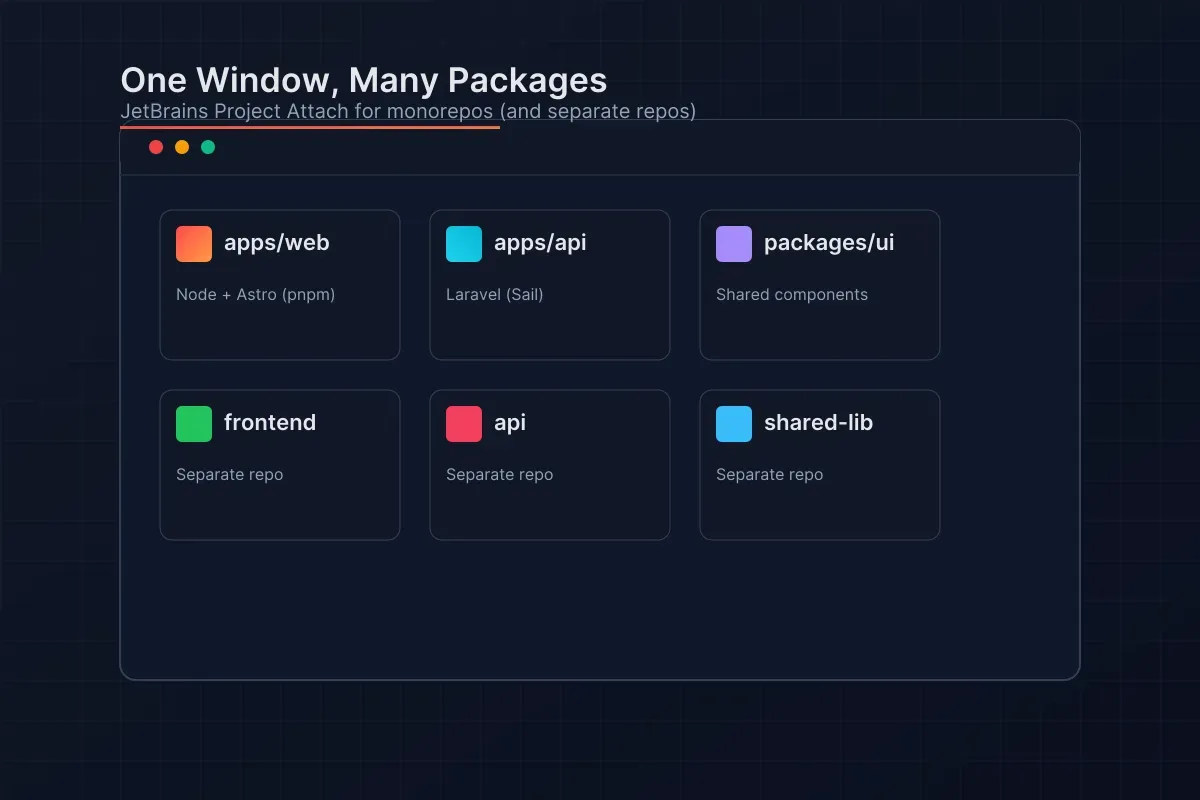
One Window, Many Packages: Use JetBrains Project Attach for Monorepos (works for separate repos too)
~ 5 min read
Monorepos let you keep multiple apps and packages in a single VCS root e.g. apps/web, apps/api, packages/ui, packages/config, with one or few lockfiles and first-class cross-package tooling (workspaces, Nx, Turborepo). The downside is that day‑to‑day work can involve jumping between different toolchains, interpreters, and run targets.
What Project Attach solves
JetBrains IDEs (IntelliJ IDEA, WebStorm, PhpStorm, etc.) have a feature called Project Attach that makes monorepos feel snappier: you can attach specific apps/packages as separate roots inside one window so you get clear boundaries for interpreters, run/debug configs, and navigation. And yes, if you don’t use a monorepo, the same feature works great to attach completely separate repositories into one window.
Why Project Attach in a monorepo?
- Focused context per app/package while keeping one window and unified navigation (Search Everywhere, Go to File/Symbol across attached roots).
- Cleaner tooling boundaries: each attached root can have its own Node interpreter, SDK/JDK, and run/debug configs.
- Works alongside your workspace tools (pnpm/yarn/npm workspaces, Nx, Turborepo); Attach is an IDE convenience, not a build‑system replacement.
- If each project lives in a separate namespace it’s all handled.
Monorepo + Attached Roots: how they fit together
- Monorepo: a single repository with shared tooling (often one lockfile) and cross‑package workflows.
- Attached roots: in the IDE, treat apps/packages (and even tooling folders) as separate project roots for clarity and per‑root settings.
- Also works for polyrepos: you can attach completely separate repositories to the same window; each retains its own VCS root and lockfile.
Attach apps/packages (quick path)
- Open your monorepo in a JetBrains IDE.
- File → Attach to Project… (or File → Open… and choose “Attach” in the dialog).
- Select the app/package directory (e.g., apps/web, apps/api, packages/ui). You can attach multiple.
- Each attached directory appears as a top‑level root in the Project view.
- To remove: right‑click the attached root → Remove from Project. Files on disk are untouched.
Node.js, workspaces, and keeping things separate
- Node interpreter per root: Settings/Preferences → Languages & Frameworks → Node.js → Node interpreter. Choose “node from nvm/Volta/asdf” or a local binary for each attached root if versions differ.
- Package manager: the monorepo may have a single lockfile, but run configurations should set the Working directory to the specific app/package so node_modules resolution is correct (especially with pnpm/yarn workspaces).
- Corepack: enable to pin npm/pnpm/yarn versions; Attach respects per‑root working directories.
TypeScript
- Use “TypeScript → Use TypeScript Service from” the app/package node_modules/typescript when versions differ across packages (common in large repos).
PHP (PhpStorm)
- If your monorepo includes PHP and JS/TS together, configure a separate interpreter per attached PHP root (local, Docker, WSL, remote) and map paths for correct indexing and Xdebug.
JVM (IntelliJ IDEA)
- Gradle/Maven modules in a monorepo often share a JDK, but you can still set per‑root Gradle JVM and user home ( GRADLE_USER_HOME) if isolation is required.
Run/Debug configurations that “just work”
- Create configurations from package.json scripts (pnpm/yarn/npm), framework runners, or Docker/Compose at the app/package root.
- Set the Working directory to the attached app/package.
- Name configs with prefixes (web:dev, api:test, ui:build) for fast filtering.
VCS and Git operations
- Monorepo: a single VCS root; commits are scoped by paths. Use changelists to keep work per app/package clean.
- Polyrepo: when attaching separate repositories, JetBrains shows multiple VCS roots with separate logs.
Indexing and performance tips
- Exclude heavy directories per root (node_modules, dist, .next, build, vendor) if not already excluded.
- Disable language plugins you don’t need for this workspace.
- Very large packages? Consider opening those in a new window and keeping only actively edited ones attached.
Monorepo example layout
- apps/web (Astro/Solid, pnpm workspace)
- apps/api (Laravel via Sail/Docker)
- packages/ui (shared React/Solid UI library)
- packages/config (shared ESLint/TS config)
Attach all four; configure Node/PHP interpreters and TS service per root. Run web dev server, API in Sail, and UI tests without switching windows.
Also works for separate repositories
- frontend (Astro/Solid, pnpm)
- api (Laravel)
- shared-lib (TypeScript library)
- infra (Terraform) Attach all of them to one window; each repo retains its own VCS root and lockfile.
Troubleshooting
- Wrong Node version picked up
- Set the Node interpreter per attached root, or use .nvmrc/.node-version/Volta and enable automatic detection.
- Workspace scripts run in the wrong directory
- Edit the Run Configuration → Working directory to the app/package path.
- TypeScript errors show wrong lib definitions
- Switch TS Service to “Use TypeScript from node_modules” of that app/package.
- Gradle/Composer reuse global caches with unexpected versions
- Pin tool versions and isolate caches if necessary (GRADLE_USER_HOME, Composer config).
FAQ
- Does Attach change my monorepo layout? No, it’s purely an IDE/workspace feature.
- Can I mix monorepo packages and external repos in the same window? Yes, attach both.
- Is WSL/Remote supported? Yes, attach local or remotely mapped folders as usual and configure interpreters per root.
Key shortcuts (defaults vary by OS and keymap)
- Search Everywhere: Shift Shift across all attached roots
- Go to File: Cmd/Ctrl+Shift+O across roots
- Go to Symbol: Cmd/Ctrl+Alt+Shift+N
- Recent Files: Cmd/Ctrl+E
- Run Anything: Ctrl twice, then type a script name from the current root
Wrap-up
Project Attach gives monorepos sharper boundaries and faster flow, and it works just as well for separate repositories. Keep tooling tidy per app/package while enjoying unified navigation, search, and run/debug in a single JetBrains window.
Starter checklist
- Attach apps/packages you actively work on (and any sibling repos)
- Configure per-root interpreters (Node, PHP, JDK)
- Pin TS/ESLint/Prettier per app/package
- Create named run configs with clear prefixes
- Exclude heavy build artefacts per root
- Use changelists and, for polyrepos, separate VCS roots
Happy shipping.