Parallel State Machines: Modelling Independent Behaviour Without a Giant FSM
~ 6 min read
Why parallel state machines matter
In the earlier article on state machines, I mentioned that classic finite state machines get awkward when a system has multiple independent concerns. That point is worth expanding, because this is where many otherwise good FSM designs start to bend out of shape.
A single state machine works well when one workflow genuinely owns the behaviour. It works less well when your system is really several workflows moving at the same time.
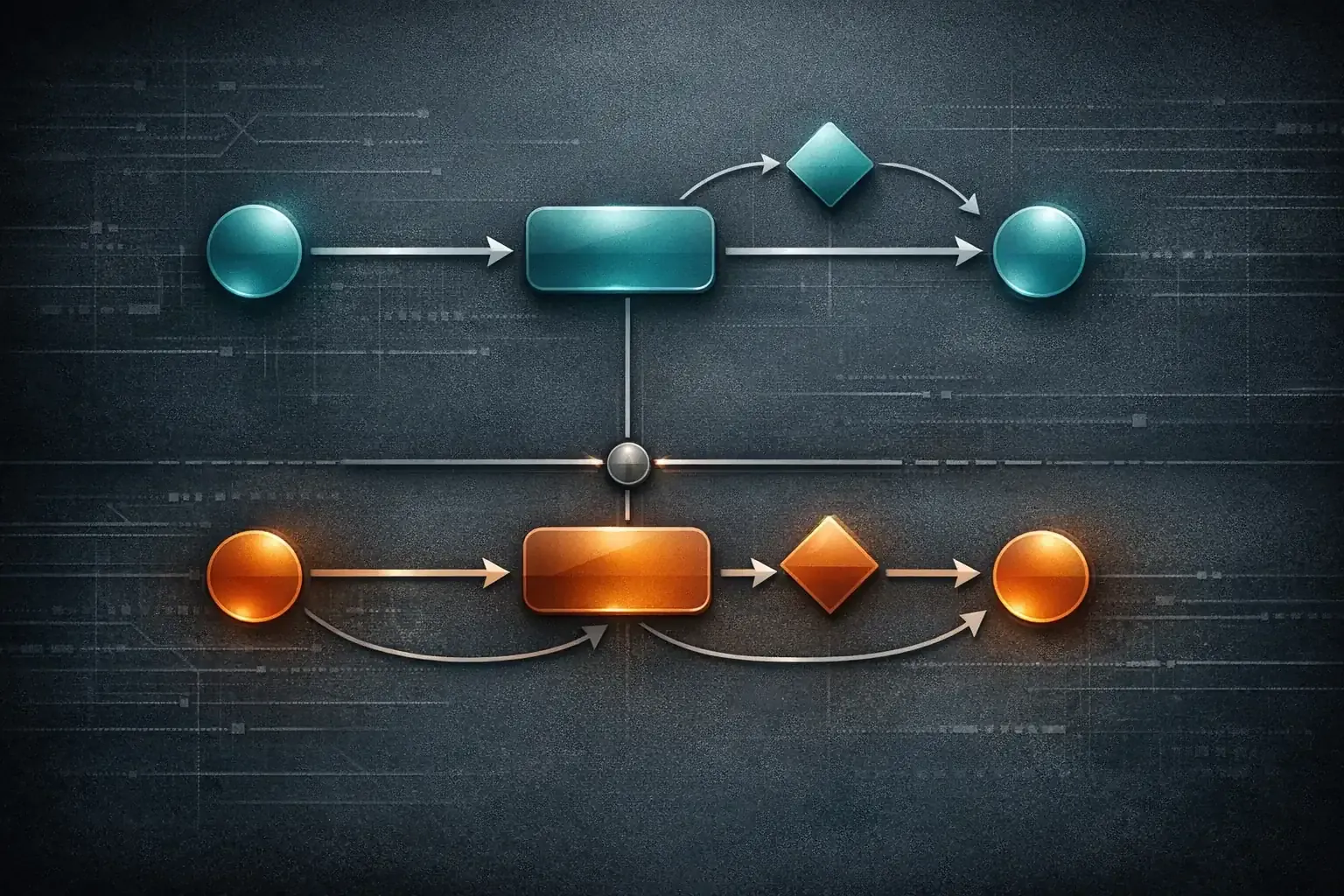
That is the job for parallel state machines: keep independent concerns separate, let them evolve side by side, and compose them at the edges instead of collapsing everything into one giant set of combined states.
Where a single machine starts to break down
Imagine an app with two concerns:
- authentication status
- background data sync status
Authentication might be:
anonymousauthenticatingauthenticatedexpired
Sync might be:
blockedidlesyncingsyncedfailed
If you force both concerns into one machine, you quickly get combined states like:
anonymous_blockedauthenticating_blockedauthenticated_idleauthenticated_syncingauthenticated_failedexpired_blocked
That list is the start of a Cartesian product. Every new concern multiplies the number of possible states. Some are valid, some are impossible, and many add no real value. You spend time naming combinations instead of modelling behaviour.
This is the moment where parallel machines usually make more sense than a megamachine.
What “parallel” means here
In practice, parallel state machines mean two or more state machines are active at the same time, each owning one dimension of behaviour.
The overall application state is the combination of their current states:
- auth machine:
authenticated - sync machine:
syncing
That pair is enough to describe the system right now. You do not need a dedicated authenticated_syncing state in one
global machine.
In formal statechart tools this is often called parallel states or orthogonal regions. In day-to-day code, it often looks like several smaller FSMs coordinated by an application service, controller, reducer, or actor.
When parallel machines are a better fit
Parallel machines are usually a good fit when:
- the concerns change independently most of the time
- one concern can reset without rebuilding the entire workflow
- different parts of the team own different parts of the behaviour
- testing one concern at a time is more useful than testing every combined permutation
They are especially useful in systems that mix UI state, connectivity state, authentication state, and background work.
A TypeScript example with two machines
Using the same StateMachine class from the earlier article,
we can model authentication and sync as separate workflows.
/* import StateMachine from "lib/StateMachine"; */

type AuthState = "anonymous" | "authenticating" | "authenticated" | "expired";

type AuthContext = {
    token?: string;
};

const authMachine = new StateMachine<AuthState, AuthContext>({
    initialState: "anonymous",
    context: {},
    states: {
        anonymous: {
            transitions: {
                authenticating: {},
            },
        },
        authenticating: {
            transitions: {
                authenticated: {},
                anonymous: {},
            },
        },
        authenticated: {
            transitions: {
                expired: {},
                anonymous: {},
            },
        },
        expired: {
            transitions: {
                authenticating: {},
                anonymous: {},
            },
        },
    },
});

type SyncState = "blocked" | "idle" | "syncing" | "synced" | "failed";

type SyncContext = {
    lastSyncedAt?: string;
    error?: string;
};

const syncMachine = new StateMachine<SyncState, SyncContext>({
    initialState: "blocked",
    context: {},
    states: {
        blocked: {
            transitions: {
                idle: {},
            },
        },
        idle: {
            transitions: {
                syncing: {},
                blocked: {},
            },
        },
        syncing: {
            transitions: {
                synced: {},
                failed: {},
                blocked: {},
            },
        },
        synced: {
            transitions: {
                syncing: {},
                blocked: {},
            },
        },
        failed: {
            transitions: {
                syncing: {},
                blocked: {},
            },
        },
    },
});
The important point is that neither machine needs to know every combined application state. Each one only knows its own workflow.
Coordinating the machines
Separate does not mean isolated. The machines still need coordination, but the coordination happens at the edges rather than inside a giant transition table.
function onLoginStarted(): void {
    authMachine.assertTransition("authenticating");
}

function onLoginSucceeded(token: string): void {
    authMachine.setContext(() => ({ token }));
    authMachine.assertTransition("authenticated");

    if (syncMachine.state === "blocked") {
        syncMachine.assertTransition("idle");
    }
}

function onSyncRequested(): void {
    if (authMachine.state !== "authenticated") {
        return;
    }

    if (
        syncMachine.state === "idle" ||
        syncMachine.state === "synced" ||
        syncMachine.state === "failed"
    ) {
        syncMachine.assertTransition("syncing");
    }
}

function onSyncSucceeded(at: string): void {
    syncMachine.setContext((current) => ({
        ...current,
        lastSyncedAt: at,
        error: undefined,
    }));
    syncMachine.assertTransition("synced");
}

function onTokenExpired(): void {
    authMachine.assertTransition("expired");

    if (syncMachine.state !== "blocked") {
        syncMachine.assertTransition("blocked");
    }
}
Now the rules are explicit:
- auth controls whether sync is allowed
- sync does not need auth states baked into its own state names
- application logic composes the two machines when events cross boundaries
That is usually easier to read than a single machine containing states such as authenticated_syncing,
authenticated_failed, and expired_blocked.
Reading the combined state
You still need a clean way to answer application questions. The trick is to derive behaviour from the pair of machine states rather than inventing a new state name for every combination.
type AppSnapshot = {
    auth: AuthState;
    sync: SyncState;
};

function getSnapshot(): AppSnapshot {
    return {
        auth: authMachine.state,
        sync: syncMachine.state,
    };
}

function canShowFreshData(snapshot: AppSnapshot): boolean {
    return (
        snapshot.auth === "authenticated" &&
        (snapshot.sync === "idle" || snapshot.sync === "synced")
    );
}
This keeps the model honest. The machines own workflow. Selectors own derived questions.
The advantages of parallel machines
1) Less state explosion
You model the real concerns directly instead of manufacturing hybrid states just to keep one machine in charge.
2) Clearer ownership
Each machine owns one dimension of behaviour. That reduces accidental coupling and makes code reviews easier because the change surface is smaller.
3) Better tests
You can test authentication rules and sync rules independently, then add a smaller number of integration tests for the coordination layer.
4) Easier evolution
If you add a new sync retry rule, you update the sync machine. You do not need to duplicate that rule across every auth combination.
The trade-offs
Parallel state machines are not automatically cleaner. They can fail in a different way.
1) Hidden coupling can creep in
If every transition in machine A immediately triggers a transition in machine B, the concerns may not be independent enough to justify separate machines.
2) Coordination logic needs a home
Some part of the system has to observe events and orchestrate cross-machine effects. If that logic is scattered across components or services, you have simply moved the complexity elsewhere.
3) Debugging needs combined visibility
Logging one machine is not enough. Good logs should show the event, the machine that handled it, and the resulting application snapshot.
A simple rule of thumb
Use a single machine when one workflow truly dominates the feature.
Use parallel state machines when:
- you can describe the feature as two or more independent axes
- combining them would mostly produce repetitive state names
- the cross-machine rules are fewer than the combined-state permutations
If the opposite is true, a single hierarchical or compound machine may still be the better model.
Wrap-up
Parallel state machines are not about making a design look more advanced. They are a way to stop unrelated concerns from collapsing into one hard-to-maintain graph.
When you notice a machine growing by multiplication rather than by meaning, that is usually the signal. Split the concerns, keep the workflows local, and compose them where the system actually needs them.