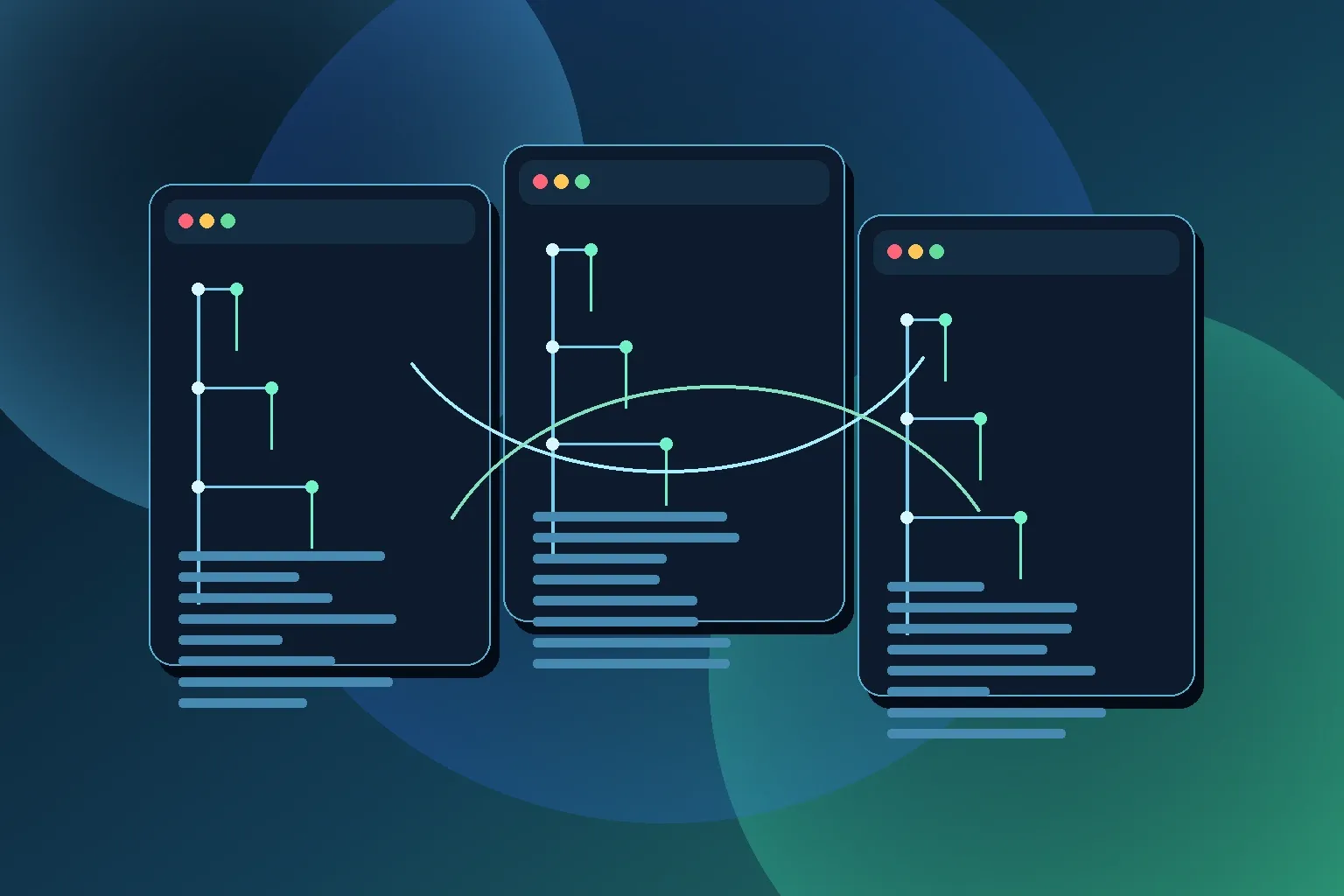
Git worktrees are not new, but they have become much more useful in day-to-day development as AI coding tools started running tasks in parallel. Instead of one developer switching branches all day, you now often have multiple active coding threads at once: a feature task, a bug fix, a refactor, and a documentation update.
Without worktrees, those threads fight over one working directory. With worktrees, each task gets its own folder and its own branch, while still sharing one Git repository history.
Why Worktrees Fit AI Workflows
AI coding tools have changed the shape of work:
- You can run multiple coding tasks concurrently.
- Each task may need a long-running process (tests, type-check, dev server).
- Context switching is expensive when one branch checkout disrupts another task.
Worktrees solve this by giving each task an isolated filesystem view. Your AI assistant for task A can stay in one directory, while task B runs in another, both backed by the same repository.
Quick Mental Model
git worktree lets one Git repository have multiple checked-out branches at the same time.
- One
.gitmetadata store is shared. - Each worktree has its own files on disk.
- Each worktree can be on a different branch.
Official docs: git-worktree manual
Basic Setup
Assume your main repo is at ~/src/myapp and you want sibling worktree folders under ~/src/wt.
cd ~/src/myapp
git fetch origin
git switch main
git pull --ff-only
mkdir -p ~/src/wt
Create two task branches as worktrees:
git worktree add ~/src/wt/feature-billing -b feature/billing-cleanup origin/main
git worktree add ~/src/wt/fix-timeout -b fix/api-timeout origin/main
What this does:
- Creates two new directories.
- Checks out a different branch in each.
- Starts both branches from
origin/main.
Running AI Tasks in Parallel
Now you can attach separate AI coding sessions to each worktree:
# Session A
cd ~/src/wt/feature-billing

# Session B
cd ~/src/wt/fix-timeout
Each session can install dependencies, run tests, and modify files without stepping on the other branch checkout.
This is the key improvement over the old model where one git switch could interrupt another active task.
Commands You Will Actually Reuse
List active worktrees:
git worktree listCheck status for a specific worktree from anywhere:
git -C ~/src/wt/feature-billing status -sbRebase a task branch onto latest origin/main:
git -C ~/src/wt/feature-billing fetch origin
git -C ~/src/wt/feature-billing rebase origin/main
Remove a finished worktree:
git worktree remove ~/src/wt/feature-billing
git branch -d feature/billing-cleanup
git worktree prune
If the worktree still has uncommitted changes, Git will refuse removal unless you use --force.
Verification Checklist
After setting this up, verify with:
git worktree list
git -C ~/src/wt/feature-billing rev-parse --abbrev-ref HEAD
git -C ~/src/wt/fix-timeout rev-parse --abbrev-ref HEAD
You should see each folder mapped to a different branch.
Caveats to Know Up Front
- A branch can only be checked out in one worktree at a time.
- Git config, hooks, and stash are shared at repo level.
- Dependency folders (for example
node_modules) are duplicated per worktree, so disk usage increases. - Tooling that assumes one project path may need minor config tweaks.
None of these are blockers, but they are worth planning for when you scale this pattern across a team.
Team Pattern That Works Well
A simple convention keeps things clean:
- Keep the main clone stable (
~/src/myapp). - Keep temporary worktrees under one parent (
~/src/wt/*). - Use branch names that match the task or ticket.
- Delete worktrees immediately after merge.
This makes parallel AI-assisted development predictable instead of chaotic.
Summary
Git worktrees are one of the most practical upgrades for modern AI-assisted coding workflows. They let you run parallel tasks in one repository without constant branch switching, reduce accidental context clashes, and keep each task isolated from the others.
If you regularly run multiple coding threads at once, worktrees are no longer an advanced Git trick. They are a baseline workflow.