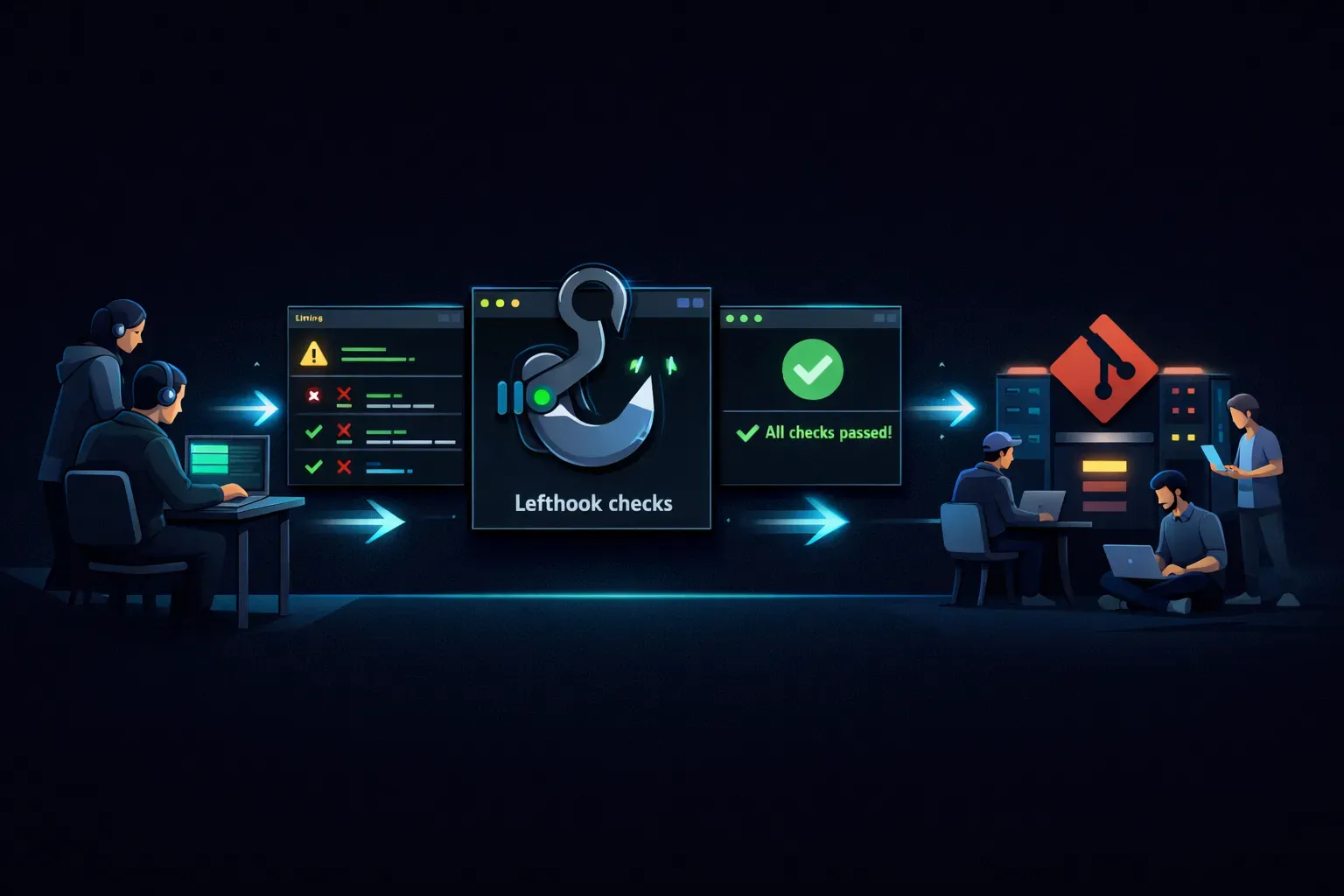
Why use Lefthook for Git hooks?
Git hooks are great for blocking bad commits early, but raw hooks in .git/hooks are local-only and not committed to the
repository. That means each developer sets them up differently, or not at all.
Lefthook fixes this by keeping hook configuration in your repo as code. Everyone on the team runs the same checks with the same commands.
In practice, this gives you three concrete wins:
- Hooks are versioned and reviewed like the rest of your code.
- Onboarding is faster because setup is one install command.
- Hooks can run in parallel and only against changed files, keeping commit-time checks fast.
When this is worth doing
Lefthook is most useful when your team wants fast feedback before code reaches CI, especially for checks like:
- linting and formatting
- unit tests for changed files
- secret scanning
- commit message validation
If your project has more than one developer, or you already run checks in CI, Lefthook is usually worth adding.
Install Lefthook
Pick one install path that matches your stack.
JavaScript/TypeScript project (pnpm)
pnpm add -D lefthook
pnpm exec lefthook install
Homebrew (macOS)
brew install lefthook
lefthook install
Run lefthook install once per clone so Git hooks are created for that repository.
Create lefthook.yml
Here is a fuller example lefthook.yml you can use in your own repo:
pre-commit:
    parallel: true
    commands:
        gitleaks:
            run: gitleaks protect --staged --redact
        lint:
            glob: "*.{js,jsx,ts,tsx}"
            run: pnpm exec eslint {staged_files}
        format:
            glob: "*.{js,jsx,ts,tsx,json,md,yml,yaml}"
            run: pnpm exec prettier --write {staged_files}

commit-msg:
    commands:
        conventional-commit:
            run: pnpm exec commitlint --edit {1}

pre-push:
    commands:
        test:
            run: pnpm test
This is a reference configuration showing multiple hooks together. Your project can start smaller (for example, only a
pre-commit block) and add more steps over time.
What this config is doing:
pre-commit: runs before Git creates the commit.parallel: true: allows pre-commit commands to run concurrently when possible.gitleaks: scans staged changes for secrets and blocks the commit on findings.lint: runs ESLint only for staged JS/TS files via{staged_files}.format: runs Prettier only for staged files that match theglob.commit-msg: validates the commit message against your Conventional Commits rules via commitlint.pre-push: runs the full test suite before code leaves your machine.
{staged_files} is replaced by the files currently staged for commit. {1} in commit-msg is the path to the temporary
file containing the commit message.
Install gitleaks on developer machines so the gitleaks command is available in hooks.
If you do not use commitlint, remove that command block or replace it with your own script.
If you prefer to call package scripts from Lefthook, make sure those scripts accept file arguments rather than being
hardcoded to ..
Run hooks manually while iterating
You can execute hooks directly without creating a commit:
pnpm exec lefthook run pre-commit
pnpm exec lefthook run pre-push
This is useful when tuning commands or troubleshooting failures.
Verification checklist
After setup, verify these points:
lefthook.ymlis committed to the repository.lefthook installhas been run locally.- A test commit triggers
pre-commitchecks. - A test push triggers
pre-pushchecks. - CI still runs the same critical checks server-side.
That last point matters because developers can bypass local hooks with --no-verify. Local hooks improve speed and
consistency, but they are not your final enforcement layer.
Why teams prefer Lefthook over raw scripts
Raw .git/hooks/* scripts can work well for solo projects, but they are hard to share and maintain at scale.
Lefthook gives you a single declarative config, cross-language command execution, and better performance controls. You still get plain shell commands underneath, but with cleaner team-level management.
Common mistakes to avoid
- Running slow integration tests in
pre-commitand making every commit painful. - Relying only on local hooks and skipping mirrored CI checks.
- Forgetting to scope commands to staged files where possible.
- Adding too many hook steps at once instead of starting with a small baseline.
Start small. A fast pre-commit plus a sensible pre-push usually gives the best balance.
Summary
Lefthook helps you treat Git hooks as shared project configuration instead of personal machine setup. If you want reliable local checks that are fast enough developers actually keep enabled, it is a practical choice.