
AI agents in monorepos: what to configure differently from a single-product repo
~ 16 min read
If you are using AI coding agents in a single-product repository, the defaults are often good enough.
There is usually one app, one build, one test command, one deployment path, and one main set of conventions. The agent can treat the repository root as the working context and still land reasonably close to the right answer.
A concrete monorepo example
Monorepos are different. The codebase is larger, the boundaries matter more, and the cost of a wrong assumption is higher. If you configure an agent for a monorepo the same way you would for a single repo, it will often read too much, change too much, and verify too little.
The good news is that monorepos can actually be a very strong environment for AI agents when the routing, ownership, and verification rules are made explicit.
To make this less fuzzy, I will use one concrete example throughout: an EduTech platform built with Vue.js frontends and multiple Laravel applications implementing the microservices.
apps/
  student-web-vue/
  teacher-portal-vue/
packages/
  vue-design-system/
  auth-client/
  analytics/
  shared-types/
services/
  gateway-laravel/
  courses-laravel/
  progress-laravel/
  billing-laravel/
  notifications-laravel/
infra/
In this example:
apps/student-web-vueis the learner-facing SPAapps/teacher-portal-vueis the educator and operations SPApackages/vue-design-systemis shared Vue UIpackages/auth-clientis shared frontend auth/session logicpackages/analyticsis shared tracking logicpackages/shared-typescontains shared DTOs and contractsservices/gateway-laravelis the edge API the Vue apps talk toservices/courses-laravelhandles catalogue and lesson deliveryservices/progress-laravelhandles completion, enrolment progress, and quiz stateservices/billing-laravelhandles subscriptions and invoicesservices/notifications-laravelhandles email and push delivery
That is a very different operating model from a single-product repo that only contains one app and one test pipeline.
Why monorepos are harder for agents
In a single-product repo, the agent can often infer the task shape from the repository itself. There is one main problem space.
In a monorepo, there are several:
- multiple apps or services
- shared packages and libraries
- different owners
- different runtime environments
- different test commands
- different release processes
Humans can usually navigate that with institutional knowledge. Agents cannot rely on that. They need the structure to be written down.
Without extra configuration, the usual failure modes look like this:
- the agent searches the whole repo and wastes context on irrelevant packages
- it edits a shared package when the task was supposed to stay local
- it runs root-level commands that are slow, noisy, or misleading
- it declares success because one package passed while a dependent app is now broken
- it misses ownership or compliance boundaries around specific directories
That is the real difference. In a monorepo, repository structure is not just a convenience for the agent. It is part of the operating system.
For example, imagine the user asks:
Update the “Continue lesson” button styling in the learner app.
A human engineer might already know the answer is probably in apps/student-web-vue unless the button comes from
packages/vue-design-system.
An agent without monorepo-specific guidance may:
- search all button components across every app and package
- modify the shared button in
packages/vue-design-system - accidentally change the teacher portal at the same time
- run the whole repo test suite and still not verify the right consumer flows
That is exactly why monorepo instructions need to be more explicit than single-repo instructions.
What changes from a single-product repo
The biggest shift is from “repo-wide defaults” to “path-aware defaults”.
A single-product repo can often get away with one instruction file, one command set, and one verification routine. A monorepo usually needs a root-level routing layer plus package-specific instructions.
Here is the practical difference:
| Concern | Single-product repo | Monorepo |
|---|---|---|
| Agent scope | Usually repository root | Specific app, package, or service first |
| Instructions | One main AGENTS.md often works | Root rules plus local instructions per workspace |
| Commands | One lint/test/build pipeline | Filtered commands per workspace and per dependency chain |
| Verification | Full repo or one product check | Touched package plus affected dependants |
| Ownership | Usually obvious | Must be explicit |
| Risk | Mostly local | Shared package changes can break multiple products |
If you only change one thing for monorepos, change this: make the agent decide which workspace it is operating in before it starts coding.
1. Scope the agent to a workspace first
In a monorepo, the root is an index, not the real unit of work.
The agent should first answer:
- Which app or package owns the problem?
- Which shared packages are legitimately in scope?
- Which directories are explicitly out of bounds?
That means your root instructions should describe the repository map clearly:
apps/
  student-web-vue/
  teacher-portal-vue/
packages/
  vue-design-system/
  auth-client/
  analytics/
  shared-types/
services/
  gateway-laravel/
  courses-laravel/
  progress-laravel/
  billing-laravel/
infra/
docs/
Then add local instructions near the work itself. For example:
- root
AGENTS.md: explains the workspace layout, routing rules, shared tooling, and cross-package change policy apps/student-web-vue/AGENTS.md: explains local commands, architecture, and Vue constraintsservices/progress-laravel/AGENTS.md: explains Laravel conventions, queue usage, and required testspackages/auth-client/AGENTS.md: explains public interfaces, compatibility rules, and required tests
This is the monorepo version of reducing prompt ambiguity. The agent should not have to infer what
services/progress-laravel or packages/auth-client is for by scanning 3,000 files.

A useful root-level instruction is something like this:
# Monorepo routing rules

- Always identify the owning workspace before making edits.
- Default to the narrowest workspace that can solve the task.
- Do not edit `packages/*` when a change can stay inside `apps/*`.
- If editing a shared package, list its known consumers before changing code.
- Treat `services/billing-laravel` as high risk because it affects revenue and entitlements.
- Treat `infra/` as out of bounds unless the task explicitly mentions infrastructure.
That is much better than a generic instruction like “make the requested change and run tests”.
Here is the difference in practice:
- single-product repo: “Fix the login button alignment” usually means “find the button, edit it, run tests”
- monorepo: “Fix the login button alignment” first means “is this in
apps/student-web-vue,apps/teacher-portal-vue, or shared Vue UI?”
That routing step is the difference between a safe local edit and an unnecessary cross-package change.
2. Teach the agent the dependency graph
In a single repo, “run the tests” can be a reasonable instruction.
In a monorepo, that is too vague. Which tests? Just the changed package? The changed package plus dependants? The whole graph? The answer depends on how the repo is wired.
Your agent instructions should make the dependency model explicit:
- which directories are deployable products
- which directories are shared libraries
- which libraries are safe to change without broad coordination
- which libraries are high-blast-radius and require wider verification
If you use tools like Nx, Turborepo, Bazel, Lage, pnpm workspaces, or Rush, the agent should know that those are not just build tools. They are routing tools.
A good monorepo agent setup pushes the model towards filtered execution:
pnpm --filter student-web-vue lint
pnpm --filter student-web-vue test
pnpm --filter @acme/vue-design-system build
pnpm --filter "...^student-web-vue" test
For the Laravel services, the same principle applies:
php artisan test
php artisan queue:work --once
php artisan route:list
The point is not the specific tool. The point is that the agent must know how to operate on the smallest valid slice of the graph.
Again, make it concrete.
Scope examples
If the task is:
Add a new learner-retention metric to the teacher dashboard only.
Then the likely scope is:
- edit
apps/teacher-portal-vue - maybe touch
packages/analyticsif the metric helper truly belongs there - do not touch
apps/student-web-vue - do not touch the Laravel services unless the metric requires a new backend field
- do not run e2e tests for every product by default
If the task is:
Change the
BaseButtonprop API inpackages/vue-design-system.
Then the likely scope is wider:
- edit
packages/vue-design-system - update
apps/student-web-vueandapps/teacher-portal-vueif they consume that API - run verification for the package and its consumers
Those are two very different tasks. The agent should not have to guess which kind it is from scratch each time.
If your monorepo tool can answer “what depends on this package?”, make that a standard part of the agent workflow.
For example:
# pnpm examples
pnpm --filter @acme/vue-design-system... test
pnpm --filter @acme/vue-design-system... build

# Laravel service examples
cd services/progress-laravel && php artisan test
cd services/gateway-laravel && php artisan test
The exact command varies, but the configuration goal is the same: the agent needs a path from “I changed this package” to “these are the consumers I must verify”.
For an EduTech platform with multiple Laravel services, this matters even more.
Cross-service debugging paths
If the task is:
Fix lesson completion not updating after a quiz submit.
Then a good agent should reason about likely boundaries like this:
- UI event in
apps/student-web-vue - request contract in
services/gateway-laravel - state write in
services/progress-laravel - maybe analytics side-effect in
packages/analytics
That is a cross-service debugging path. The monorepo is valuable here because the agent can follow the full flow across Vue and Laravel without leaving the repository.
3. Replace root-level verification with path-aware verification
This is where many teams get caught out.
On a small single-product repo, a root npm test is often enough. In a monorepo, root-level success can be both too
expensive and not strict enough.
Too expensive, because it runs far more than the task needs.
Not strict enough, because it might skip the exact dependent path you should have checked, or hide the important signal inside a wall of unrelated output.
A better pattern is to encode verification rules like this:
- if only an app changed, run checks for that app
- if a shared package changed, run checks for that package and its affected dependants
- if infra or build tooling changed, run a wider repo-level verification set
- if the public contract of a shared package changed, require explicit cross-package checks
That gives the agent a sensible escalation path instead of an all-or-nothing one.
This is also where a good “done” contract matters. A monorepo agent should not be allowed to say a task is complete without naming the exact packages it verified.
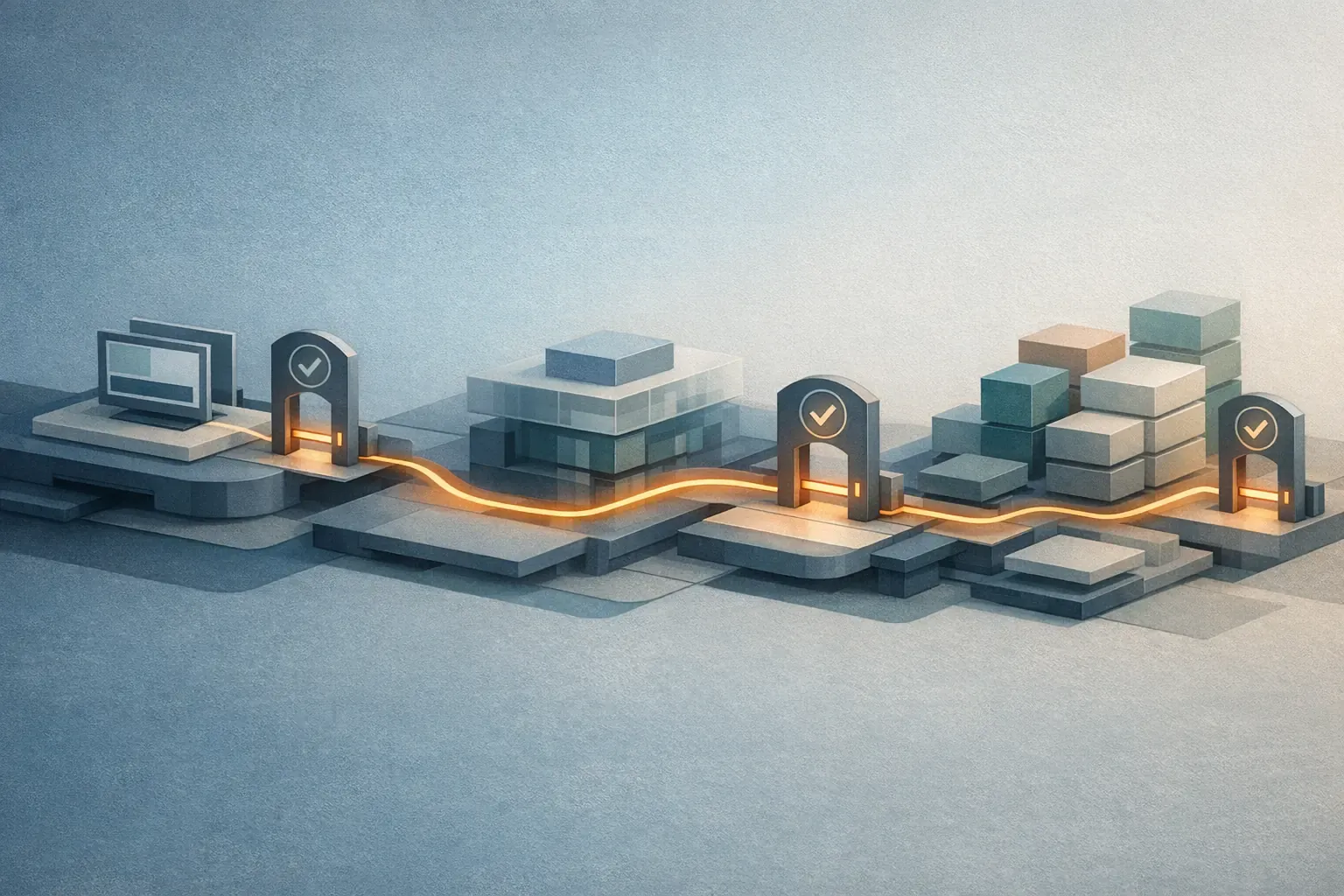
Here is a weak completion message:
Implemented the fix and ran tests successfully.Here is a much better monorepo completion message:
Changed:

- apps/student-web-vue/src/components/LessonContinueButton.vue

Verified:

- pnpm --filter student-web-vue lint
- pnpm --filter student-web-vue test
- pnpm --filter student-web-vue test:e2e

Not run:

- teacher-portal-vue tests, because no shared packages were changed
- packages/vue-design-system build, because the change stayed inside apps/student-web-vue
That is more useful because it states the actual verification boundary.
Another example:
If an agent edits packages/auth-client to change token parsing, a green pnpm --filter @acme/auth-client test is not
enough. It may still have broken apps/student-web-vue login, apps/teacher-portal-vue staff sessions, and
services/gateway-laravel middleware. In a monorepo, verification must follow dependency impact, not just changed
files.
4. Make ownership and boundaries explicit
Humans often know that one package is “kind of shared but really owned by the checkout team” or that one service is under change freeze. Agents do not know that unless you encode it.
For monorepos, ownership should be machine-readable where possible:
CODEOWNERS- local
AGENTS.mdfiles - labels or metadata in workspace config
- scripts that expose package owners or support channels
You want the agent to know things like:
packages/vue-design-systemmay be used by both Vue frontendsinfra/terraformshould not be edited unless the task explicitly touches infrastructureservices/progress-laravelrequires integration coverage because learner state is business-criticalservices/billing-laravelhas compliance-sensitive code paths
This is especially important when using multiple agents in parallel. Monorepos create more opportunities for two agents to collide in the same shared package while supposedly working on unrelated products.
Even a small CODEOWNERS fragment helps:
/apps/student-web-vue/ @learning-experience-team
/apps/teacher-portal-vue/ @teacher-tools-team
/packages/vue-design-system/ @frontend-platform
/packages/auth-client/ @security-team
/services/gateway-laravel/ @platform-api-team
/services/progress-laravel/ @learning-platform-team
/services/billing-laravel/ @payments-team
/infra/ @platform-team
Then reflect the same boundaries in agent instructions:
- `packages/auth-client` is high risk. Do not change public auth contracts without wider verification.
- `packages/vue-design-system` may affect both Vue apps.
- `services/progress-laravel` affects learner completion and reporting.
- `services/billing-laravel` affects subscriptions and entitlements.
- `infra/` requires explicit user intent before editing.
This matters because monorepo mistakes are often social as well as technical.
An agent changing packages/auth is not just changing code. It may be stepping into another team’s ownership,
review expectations, and risk model.
5. Standardise local bootstrap and dev commands
Single-product repos usually have one obvious way to run the system locally.
Monorepos often have several:
- run one app only
- run one API and one frontend together
- run shared mocks
- run a package build in watch mode
- run a targeted integration suite
If the agent has to discover those commands from package scripts every time, you are burning time and tokens on repeated exploration.
Spell out the common workflows:
## apps/student-web-vue

- Dev server: `pnpm --filter student-web-vue dev`
- Unit tests: `pnpm --filter student-web-vue test`
- E2E tests: `pnpm --filter student-web-vue test:e2e`
- Depends on: `packages/vue-design-system`, `packages/auth-client`, `services/gateway-laravel`

## services/progress-laravel

- API tests: `php artisan test`
- Queue behaviour: `php artisan queue:work --once`
- Main consumers to smoke test after changes: `apps/student-web-vue`, `services/gateway-laravel`
This looks mundane, but it materially improves agent quality. You are moving the agent from discovery mode to execution mode.
You can take this one step further and write the workflow the way an agent actually needs it:
## Change policy for packages/vue-design-system

- Safe change: internal styling refactor with no prop changes
- Medium-risk change: visual change to existing shared component
- High-risk change: prop signature change or exported API change

## Required verification

- Always: `pnpm --filter @acme/vue-design-system build`
- Then: `pnpm --filter student-web-vue test`
- Then: `pnpm --filter teacher-portal-vue test`
That is much clearer than making the agent reverse-engineer the workflow from package.json files and tribal knowledge.
What should be configured differently from a single-product repo?
If you want the short version, these are the key monorepo upgrades:
- Add routing rules at the repo root so the agent identifies the owning workspace first.
- Add local instructions inside important apps and shared packages.
- Prefer filtered commands over root-level commands.
- Encode which shared packages have high blast radius.
- Make “affected dependants” part of the verification rules.
- Require the agent to report exactly what it changed and exactly what it verified.
In a single-product repo, you can often get away with one instruction file and one default verification pipeline.
In a monorepo, that is usually under-specified.
The wins of using agents in a monorepo
Once configured properly, monorepos can be better for agents than separate repositories.
The biggest win is shared context with enforceable boundaries.
An agent can see the real interfaces between products and shared code. That makes broad but coherent work much easier:
- updating a shared package and the consumers in one change
- refactoring duplicated code into a common library
- applying the same security, linting, or observability change across products
- tracing a bug from frontend to backend to shared utility without switching repos
Monorepos also make reusable agent workflows more valuable.
You can define one release-note skill, one dependency-audit skill, one test-triage skill, or one security-check skill and use it across many workspaces. The structure is shared even when the products differ.
There is also a governance win. A well-configured monorepo gives you one place to encode:
- safe commands
- approval rules
- ownership boundaries
- verification policy
- prohibited directories
That is much harder to keep aligned across many small repos.
The most practical wins tend to look like this:
- one agent updates a shared Vue lesson card component and fixes both learner and teacher-facing consumers in one change
- one agent traces a bug from
apps/student-web-vueintoservices/gateway-laraveland then intoservices/progress-laravelwithout losing context - one agent applies the same telemetry wrapper to every Laravel service without repeating the setup in five repositories
That kind of cross-cutting work is where monorepos are genuinely strong for AI-assisted delivery.
The gotchas
The first gotcha is context bloat.
If the agent reads the monorepo root and starts searching broadly, it can spend half its budget understanding things that have nothing to do with the task. That tends to produce slower, more confident, and less accurate work.

The second gotcha is accidental high-blast-radius edits.
Shared packages make good refactors possible, but they also make “small” changes dangerous. An agent can clean up a helper in a package and unintentionally change behaviour for three products.
Example:
- the task is “rename a helper for clarity”
- the helper lives in
packages/auth-client - the rename changes behaviour relied on by
apps/student-web-vue,apps/teacher-portal-vue, andservices/gateway-laravel
That is not a cosmetic change any more. It is a multi-product change.
The third gotcha is false verification.
A green command is not enough unless the command matches the dependency impact of the change. This is one of the most common ways teams overestimate agent reliability in monorepos.
Example:
- the agent changes
packages/vue-design-system - it runs only
pnpm --filter @acme/vue-design-system test - the tests pass
apps/teacher-portal-vuestill breaks because the consuming app snapshot or visual contract changed
The problem is not that the tests were green. The problem is that the verification boundary was wrong.
The fourth gotcha is parallel conflict.
If you run multiple agents at once, monorepos increase the odds that two tasks land in the same shared workspace. That is manageable, but only if ownership and write scopes are clear.
Example:
- Agent A is updating
apps/student-web-vue - Agent B is updating
apps/teacher-portal-vue - both decide to “clean up”
packages/vue-design-system
Now you have an avoidable merge conflict in the highest-shared part of the repo.
The fifth gotcha is instruction drift.
Monorepos evolve quickly. A package gets renamed, ownership changes, build commands change, and the local instruction files quietly go stale. Once that happens, the agent starts following a confident but outdated map.
This is why monorepo agent instructions need maintenance in the same way build scripts and CI configs do.
A practical monorepo setup for agents
If I were setting this up from scratch, I would keep it simple:
- Put a root
AGENTS.mdin place that explains the workspace map, the toolchain, the routing rules, and the default safety constraints. - Add local instruction files for high-value or high-risk workspaces.
- Make filtered lint, test, and build commands first-class and document them.
- Encode ownership and sensitive boundaries explicitly.
- Teach the agent what counts as “affected” in your build graph.
- Require the agent to report which packages were changed and which were verified.
That is enough to move from “the agent can probably hack on this repo” to “the agent can operate with controlled blast-radius”.
If you want a simple starting template, this is a reasonable root AGENTS.md shape:
# Repository map

- Apps: `apps/student-web-vue`, `apps/teacher-portal-vue`
- Shared packages: `packages/vue-design-system`, `packages/auth-client`, `packages/analytics`, `packages/shared-types`
- Laravel services: `services/gateway-laravel`, `services/courses-laravel`, `services/progress-laravel`, `services/billing-laravel`, `services/notifications-laravel`
- Restricted areas: `infra/`

# Routing

- Start in the narrowest owning workspace.
- Do not edit shared packages unless necessary.
- If a shared package changes, verify affected consumers.

# Verification

- App-only change: run app-local lint/test/build.
- Shared package change: run package checks plus dependent app checks.
- Infra change: ask before editing and run wider validation.

# Reporting

- List changed workspaces.
- List verification commands actually run.
- State which related workspaces were intentionally not touched.
That is the level of specificity that usually moves agent behaviour from “clever but risky” to “predictable enough to use”.
Final thoughts

The core mistake is to think of a monorepo as just a bigger single repo.
For humans, that simplification is sometimes tolerable. For AI agents, it is not. In a monorepo, the quality of the result depends heavily on whether the agent knows its scope, its boundaries, and its verification obligations before it starts editing.
Configured well, monorepos are a strong environment for agents because they combine shared context with reusable automation.
Configured badly, they amplify all the usual agent problems: too much context, vague ownership, weak verification, and surprisingly large blast radius.
That is the trade. The win is leverage. The cost is that you have to be explicit.