
Most software still assumes the user chooses an application that best fits their use case first, then tries to bend the problem into that application’s shape.
AI increasingly reverses that. The user describes the problem first, then the interface is generated to solve it.
I have written about this previously in JIT AI code generation and MCP UI.
The recently published, and frankly brain-breaking vibeOS pushes the same idea maximally and humorously to the OS level. It is what inspired me to write again on this topic of generative UI.
A product owner no longer has to decide every possible customer need in advance. The user can ask for a specific interface on demand.
The web gave us pages. Mobile gave us apps.
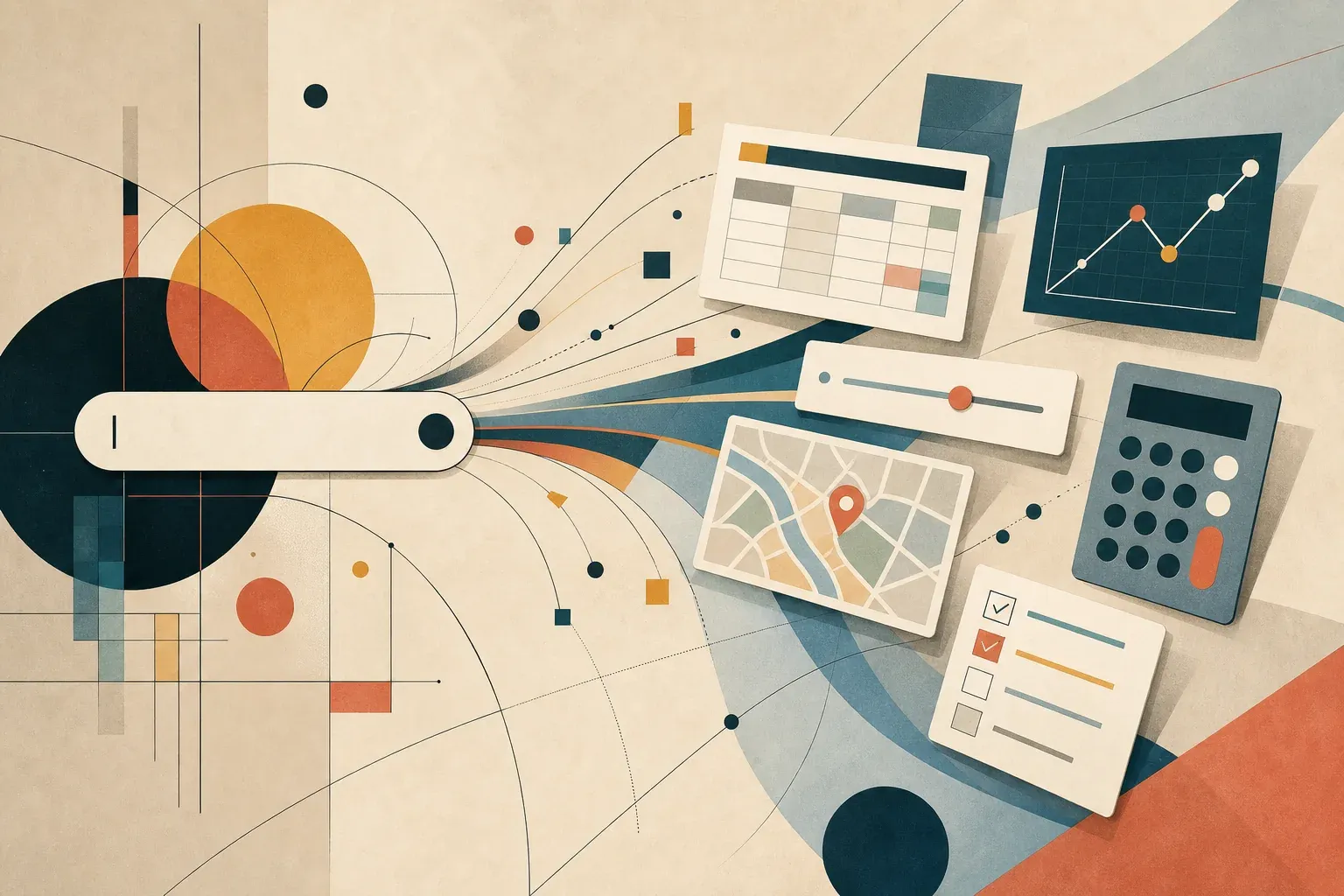
AI may give us disposable, task-specific applets: little interfaces generated at the moment a person needs to inspect, compare, decide, calculate, visualise, or act on data. Data is important here, giving AI access to the raw data with the metadata so it understands its purpose and relationships is vital.
The obvious question is whether that kills traditional apps. My answer is no, but it does kill a lot of app-shaped friction. Data collection and exposing that data with appropriate metadata for AI to ingest on demand becomes king.
The Applet Becomes the Answer
A lot of “using software” is really just a temporary need for structure.
You want to compare mortgage scenarios. You want to visualise pension contributions against retirement age. You want to understand which dependencies changed between two releases. You want to rank three travel options by price, time, weather, and distance from the venue. You want a small timeline, table, calculator, map, graph, checklist, simulation, or side-by-side comparison.
Today the usual options are poor:
- search for an article and mentally assemble the answer
- open a full app and fight its assumptions
- build a spreadsheet
- ask a chatbot and accept a wall of text
- write a quick script if you have the skill and patience
An on-demand applet is the missing piece. It is richer than text, lighter than an app, more direct than a spreadsheet, and more inspectable than a plain AI-generated answer.
The interesting part is not that AI can write code, it is that code generation answers the question asked directly.
VibeOS Is Joke-Shaped, But the Idea Is Serious
VibeOS is a useful provocation because it makes this idea visible.
The project describes itself as an AI-native operating system where Claude Code controls the computer from hardware to UI. Its own site describes a fullscreen Next.js interface with Tailwind, tRPC, and React, where prompted applications can appear on screen. It shows examples like real-time widgets, mini-games, and AI-curated news views, and offers a Dockerised version for people who do not want an AI agent directly controlling local hardware.
Taken literally, that can sound silly. “Prompt your operating system into existence” is different from shipping a secure, stable, accessible computing environment.
But as a prototype, it is eye-opening. VibeOS collapses the distinction between shell, prompt, application launcher, and UI builder. The user does not browse an app store. They state intent. The system generates the small interface that intent requires.
Google Made It Mainstream
The same idea is now showing up in Search.
On 19 May 2026, Google announced new AI Search features at I/O, including agentic coding in Search. Search will be able to create a custom generative UI on the fly: interactive visuals, tables, graphs, simulations, dashboards, and trackers tailored to the user’s question.
Google also describes these persistent dashboards and trackers as “mini apps” for specific tasks. Its example is a custom fitness tracker that pulls in fresh information from sources such as reviews, maps, local data, and weather.
Search is where millions of people begin with an unclear task. They do not yet know whether they need a website, a spreadsheet, a calculator, a form, a tutorial, a map, or a product. If Search can generate the interface while exploring the answer, then app discovery starts to look less like “which app should I open?” and more like “what shape should this answer take?”
Google had already moved in this direction with Canvas in AI Mode, which lets users create custom interactive tools inside Search, test the prototype, inspect the code, and refine it with follow-up prompts.
This is no longer only a developer toy. It is becoming a search behaviour.
Are Traditional Apps Dead?
No.
But many traditional app sessions are overbuilt for the job the user actually has.
If the task is narrow, temporary, personal, and mostly informational, a generated applet is often enough. The user does not need a full product. They need a working view over a question.
That creates pressure on a whole category of software:
- one-purpose calculators
- lightweight dashboards
- simple comparison tools
- CSV-to-chart utilities
- internal admin screens
- small workflow wizards
- throwaway reporting interfaces
- exploratory finance and planning tools
- one-off code visualisers and refactoring helpers
These will not all disappear. Many will become implementation details. The durable value moves from the interface to the data, permissions, computation, audit trail, and domain model behind it.
The app is no longer always the destination. Sometimes it is just the rendering of a capability.
Finance Apps Do Not Die, But Their Surface Area Shrinks
Take finance.
A full personal finance app makes sense when it owns a durable state: transactions, accounts, recurring budgets, categorisation rules, tax records, alerts, identity, compliance, and bank connections.
But many finance questions are not full-app questions:
- “What happens if I overpay my mortgage by 250 pounds a month?”
- “Show me the risk if this client pays 30 days late.”
- “Compare these three pension contribution plans.”
- “Which subscriptions increased in the last year?”
- “Visualise my cash runway if revenue drops 15%.”
Those are applet-shaped. They need charts, sliders, assumptions, source data, drill-down, and scenario controls. They do not necessarily need a whole finance product.
The finance app of the future may become less of a place you visit and more of a trusted system of record that exposes capabilities. The generated interface sits on top of the current question. The durable app still holds the ledger, the rules, the approvals, and the audit history.
In regulated domains, that distinction is everything.
IDEs Become Runtime Environments, Not Just Apps
The same is true for coding tools.
A full IDE is not dead because editing code is not a one-off query. It is a long-running relationship with a workspace: files, branches, terminals, tests, language servers, debuggers, secrets, build systems, deployment targets, and team conventions.
But many IDE features are applet-shaped:
- “Show me the blast radius of this change.”
- “Build a small UI to inspect this JSON schema.”
- “Visualise the dependency cycle.”
- “Make me a temporary migration review dashboard.”
- “Create a focused debugger panel for this failing test.”
- “Compare these two traces and show the divergent spans.”
In that world, the IDE survives by becoming the trusted runtime for generated tools. It provides the local context, permissions, sandboxing, file access, terminal access, and review loop. The applets appear inside it, then disappear when the job is done.
So the IDE is not killed by generated software. It becomes one of the places where generated software is safest to run.
The New Software Stack
On-demand applets need more than a model that can write React.
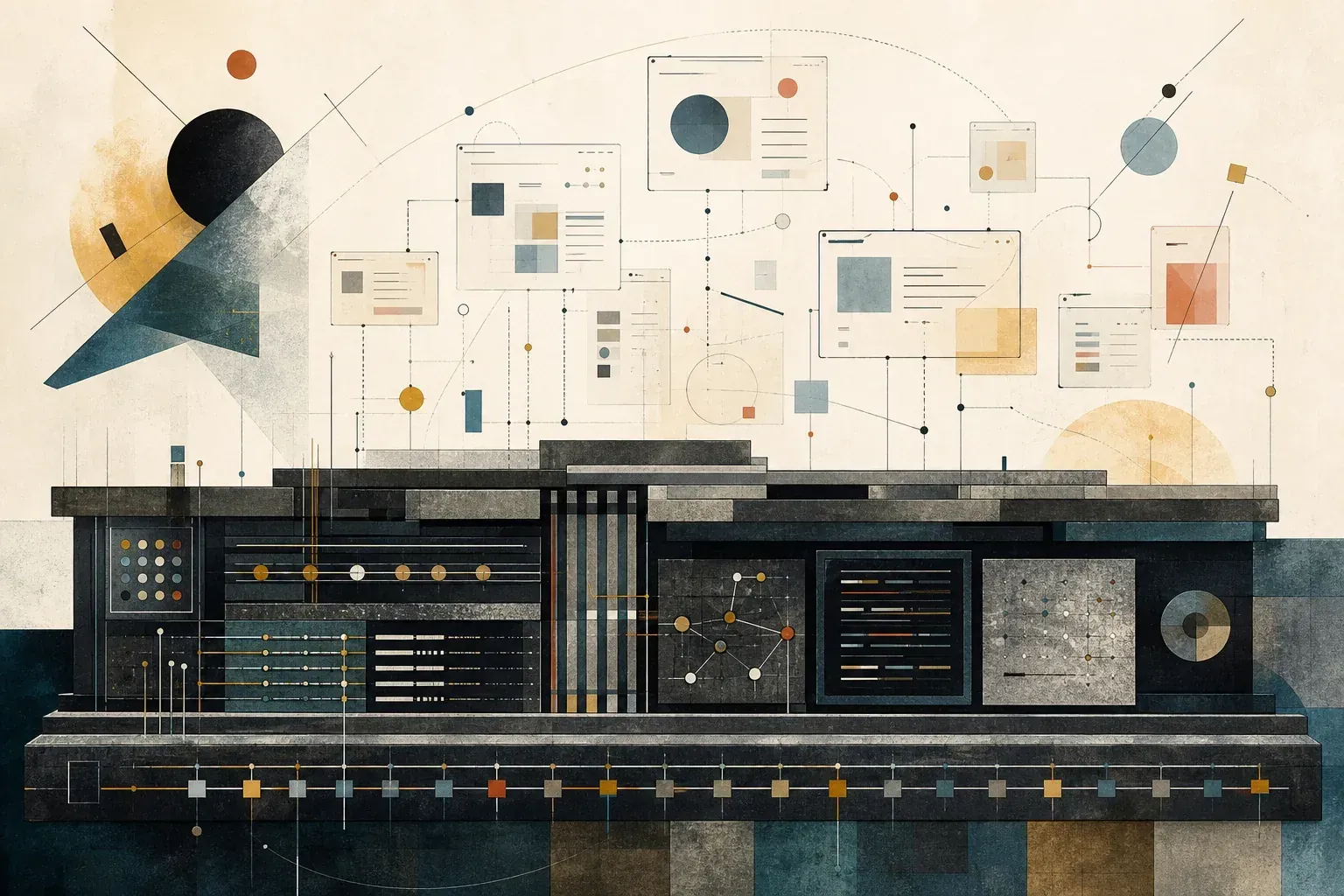
The stack looks more like this:
- Intent capture: the user describes the problem in natural language, voice, image, file, or context.
- Capability discovery: the system finds the data sources, APIs, tools, and permissions that can answer it.
- UI generation: the system chooses the right format, such as table, chart, form, map, simulation, or dashboard.
- Execution sandbox: generated code runs with strict boundaries, no ambient trust, and clear permissions.
- Provenance: every number, claim, and transformation can be traced back to a source.
- Persistence: useful applets can be saved, shared, resumed, or promoted into durable tools.
- Governance: high-risk actions require approvals, logging, and policy checks.
This is where emerging standards and host protocols for agent-rendered UI become relevant. If tools can expose capabilities and render safe UI inside agent hosts, the applet does not need to be hand-wired into every client. The host becomes a runtime. The tool brings data and actions. The model helps assemble the interface.
That is a different web. Less page-first, more capability-first.
What Could Go Wrong
Plenty.
Generated UI can make wrong assumptions feel more convincing. A bad table is easier to trust than a bad paragraph because it looks structured. A chart can hide uncertainty. A simulation can smuggle in a model of the world the user never agreed to.
There are also obvious engineering problems:
- security, especially when generated code touches files, accounts, or browsers
- accessibility, because a disposable UI still needs to work for everyone
- state migration, because today’s useful applet may become tomorrow’s workflow
- cost and latency, because generating software for trivial tasks can be wasteful
- privacy, because task-specific context is often highly personal
- provenance, because every source and transformation must remain inspectable
The worst version of apps on demand is a pile of plausible dashboards with no source discipline.
The best version is closer to a transparent analyst: it builds the view, shows its working, lets you change the assumptions, and keeps the risky actions behind explicit approval.
A Simple Rule
The more a task is temporary, individual, exploratory, and information-heavy, the more likely it becomes an applet.
The more a task is durable, collaborative, regulated, performance-critical, or stateful, the more likely it remains a traditional application, or at least a durable platform behind generated surfaces.
That gives us a useful split:
- The interface becomes disposable.
- The data model becomes more valuable.
- The permission system becomes more important.
- The audit trail becomes non-negotiable.
- The brand moves from “this is the app you open” to “this is the capability you trust.”
That last point may be the biggest change. Apps used to win by owning user attention. In an applet world, they win by being callable, trustworthy, and useful at the exact moment a question appears.
The Shift
Traditional apps are not dead. But the assumption that every problem deserves a durable application UI is dying.
vibeOS shows the idea in a whimsical, maximalist form: prompt the computer and let the interface appear. Google Search shows the pragmatic mainstream form: ask a question and get the right interactive surface, possibly with a mini app you can return to.
The next few years will not be “apps versus AI”. It will be durable systems exposing data and capabilities to AI-generated interfaces.
For users, that means less hunting for the right tool and more tools appearing at the point of need.
For software builders, it means the product question changes. You are not only designing screens. You are designing the capabilities, permissions, data contracts, and trust boundaries that let future interfaces be generated safely.
That is not the death of apps.
It is the end of assuming the app is the first thing the user should have to choose.